 How to install Mozilla - Step 16
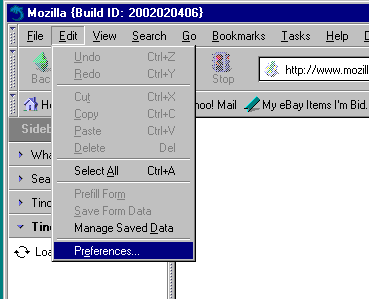
Important: If you are using a software firewall such as e.g. Norton Internet Security, Zone Alarm or Windows XP's built-in firewall, you need to make sure that Mozilla has permission to access the Internet. Otherwise, Mozilla will not be able to find / connect to any sites. Please refer to your firewall's manual or the publisher's support site for instructions how to give permission to a program to access the Internet. If you do not yet use a software firewall, I strongly suggest you get one. There are many free ones like e.g. Zone Alarm.
 |
Back |
|
Next |

|